What does the confidence score actually mean?
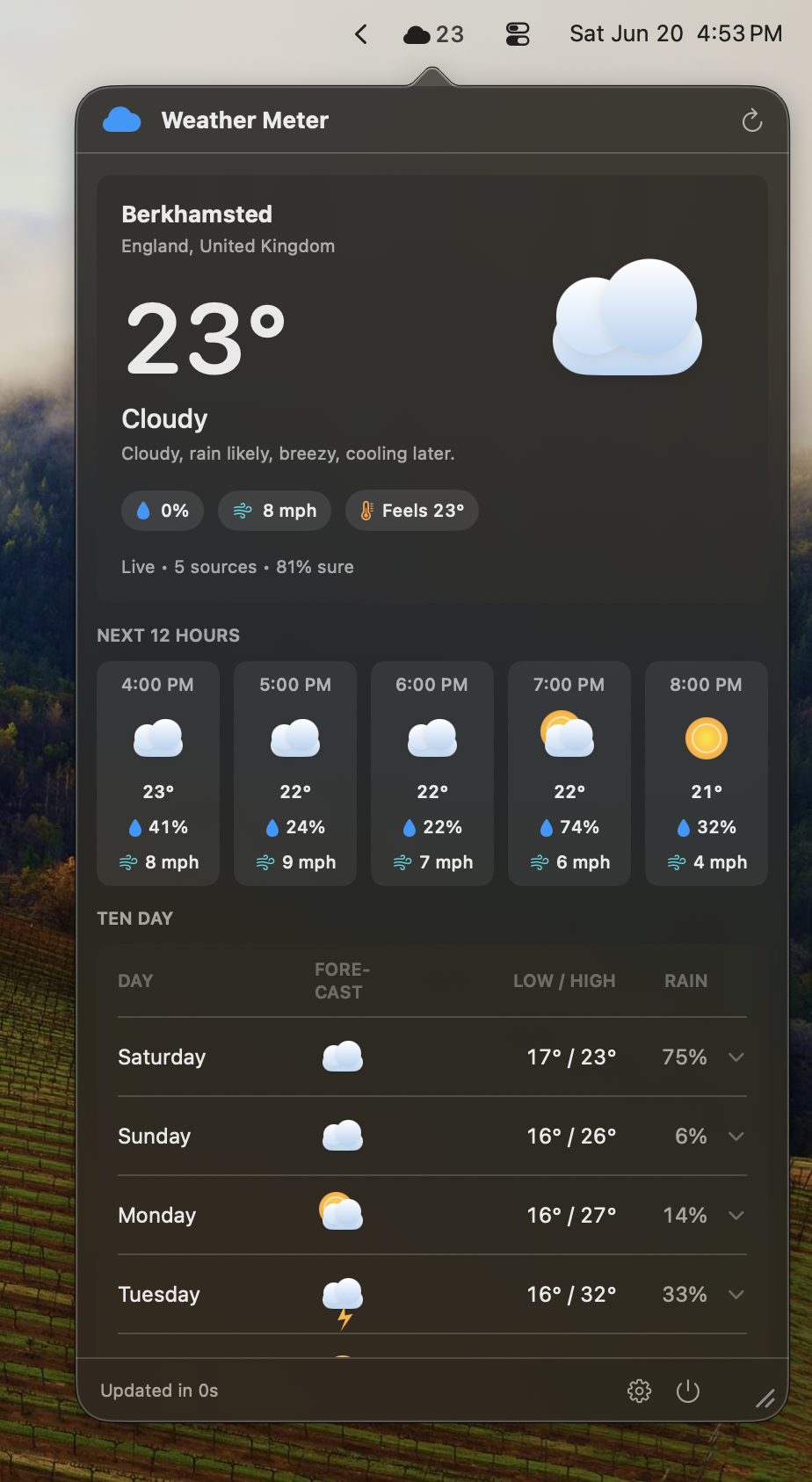
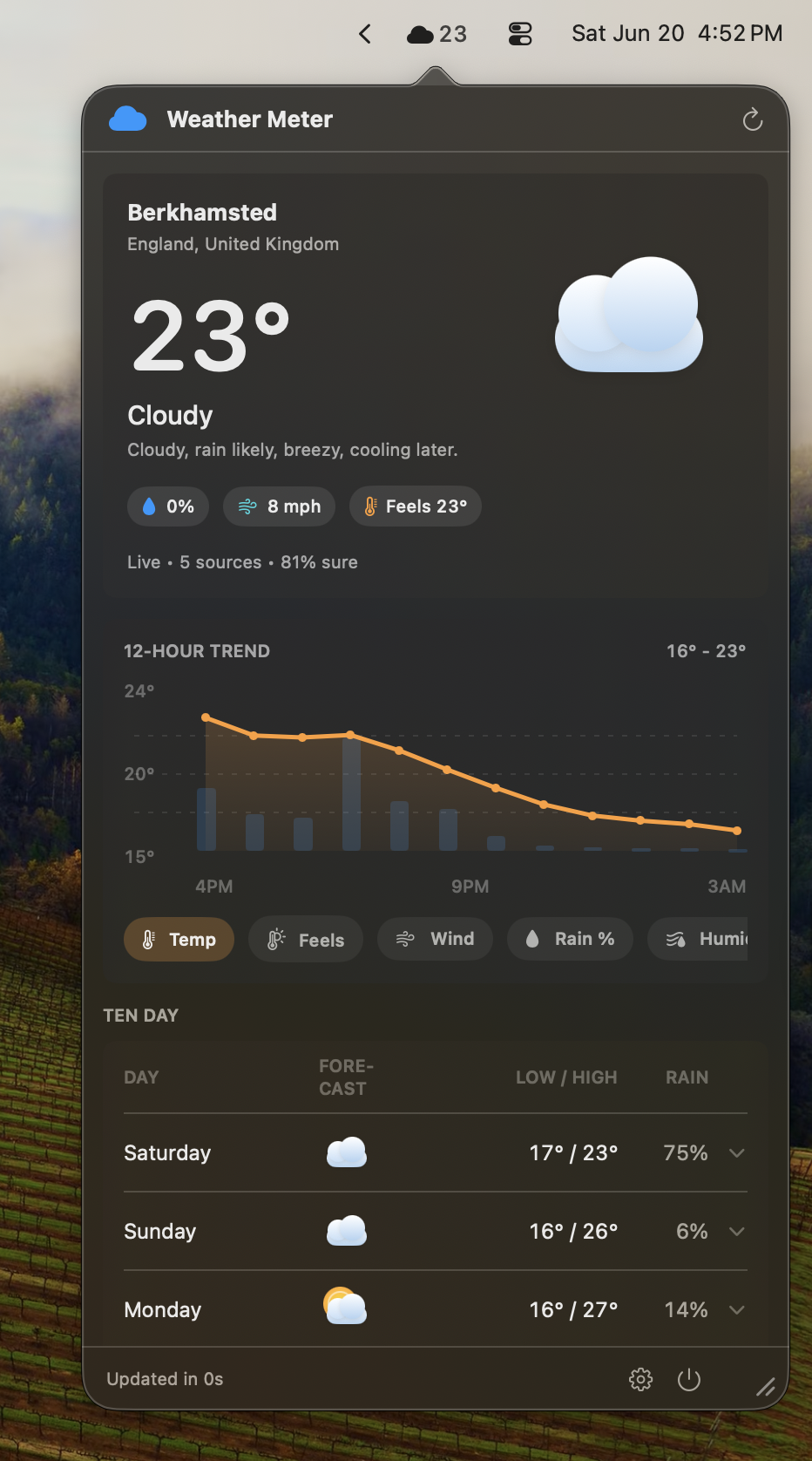
It's a measure of how much the weather services agree. When several sources predict similar temperatures, wind, and rain, the blend is tight and confidence is high. When they diverge, confidence drops and the score tells you so. It isn't a probability that the forecast is "correct" — it's an honest read on how much consensus there is behind the number you're looking at.
Which weather services does it use?
Apple WeatherKit, OpenWeather, Open-Meteo, MET Norway, and Tomorrow.io. WeatherKit and the free open services (Open-Meteo, MET Norway) work without any setup. OpenWeather and Tomorrow.io are optional and use your own API keys if you want them in the blend. You choose which sources participate in the Sources tab.
Do I need to pay for weather data or add API keys?
No. Out of the box, Weather Meter uses Apple WeatherKit and free open services, which is enough for a solid consensus. If you already have OpenWeather or Tomorrow.io keys, you can add them for more sources in the blend. Keys are stored in your Keychain, marked synchronizable to your own Apple ID, and never sent to a server we run. Weather Meter is built to stay within free quotas.
Where do my locations and settings live?
On your device. There's no Abokado account and no backend. If you enable sync, Weather Meter uses your private iCloud key-value store to keep saved locations and preferences in step across your own devices — the same iCloud you already use, scoped to your Apple ID. Nothing about where you check the weather is sent to us.
What about severe weather alerts?
Official alerts are passed through with their source attribution and details intact. Weather Meter doesn't rewrite or summarize an alert into something that loses the original wording — when a meteorological agency issues a warning, you see it the way they issued it.
Is there an iPhone or Apple Watch version?
Coming soon, on the App Store. A full iPhone app with home-screen widgets, an Apple Watch app, and complications are in development. They read the same consensus blend from a shared cached snapshot, so widgets and complications stay current without each one making its own provider requests. The Mac menu bar app is available today.
Why isn't the Mac app on the Mac App Store?
Like the other Abokado Labs menu bar apps, Weather Meter is distributed directly — signed and notarized by Apple, with Sparkle handling updates — so it can use your own provider keys and behave like a true menu bar utility without App Store sandbox concessions. The iPhone and Apple Watch versions will ship through the App Store, where that model fits.