Model Meter is a small macOS menu bar app for people who lean on Codex and Claude all day. It shows how much of your 5-hour and weekly limits you've used — and how much you have left — without ever opening Codex or Claude.
Free & open source MIT-licensed. Source on GitHub.
A single line in your menu bar, next to the clock. Glance at it between prompts — no app to switch to, no dashboard to load, no tab to keep alive.
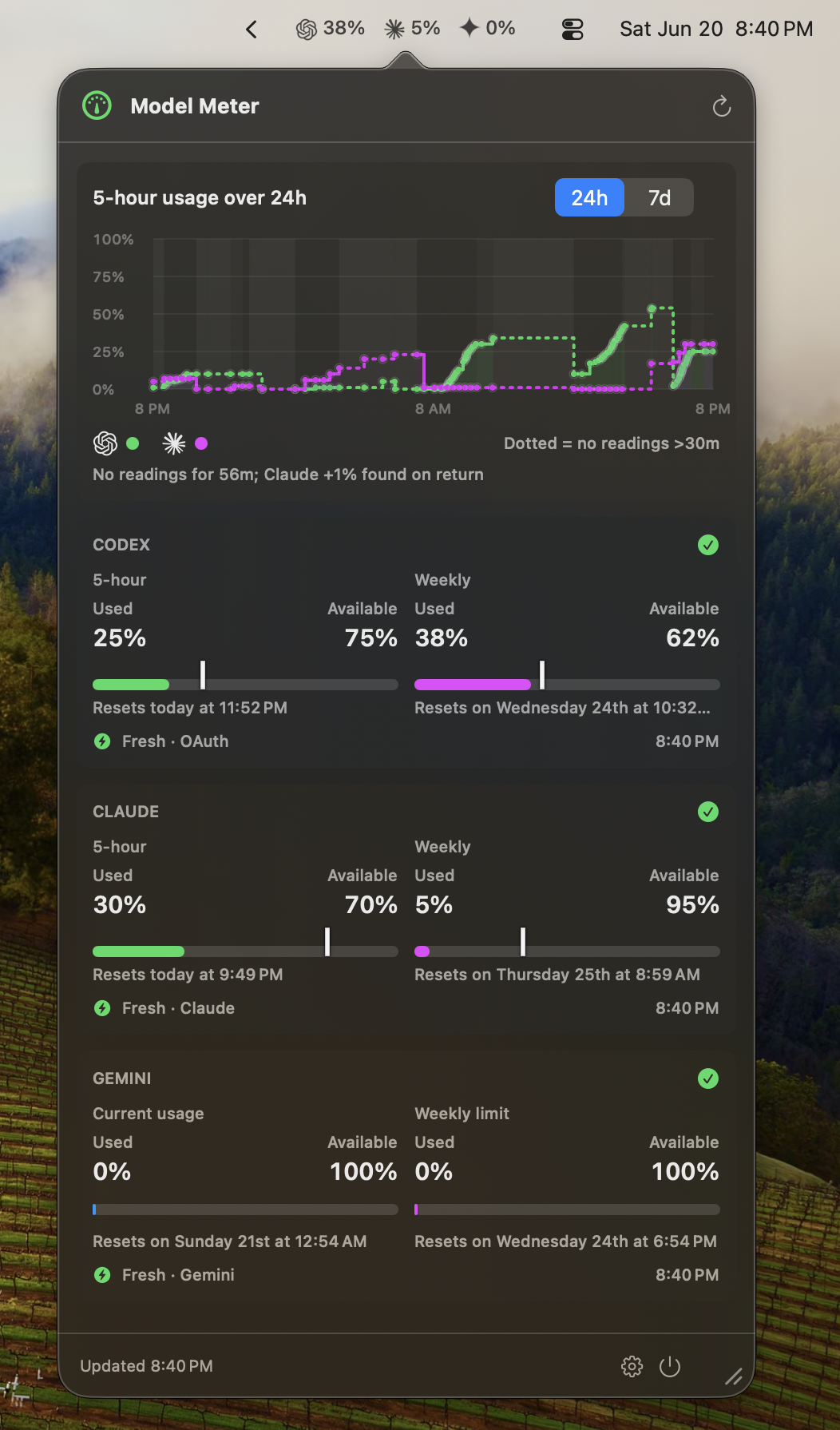
Model Meter sits in your menu bar showing a single line like C 74% · Cl 98%. Click it and a small popover drops down with the full breakdown — used, available, time elapsed in the current period, next reset. Click anywhere else and it tucks itself away.
~/.codex directly.
No OpenAI API call, no third-party balance service. Model Meter surfaces the rate-limit snapshots Codex already writes locally on your machine.
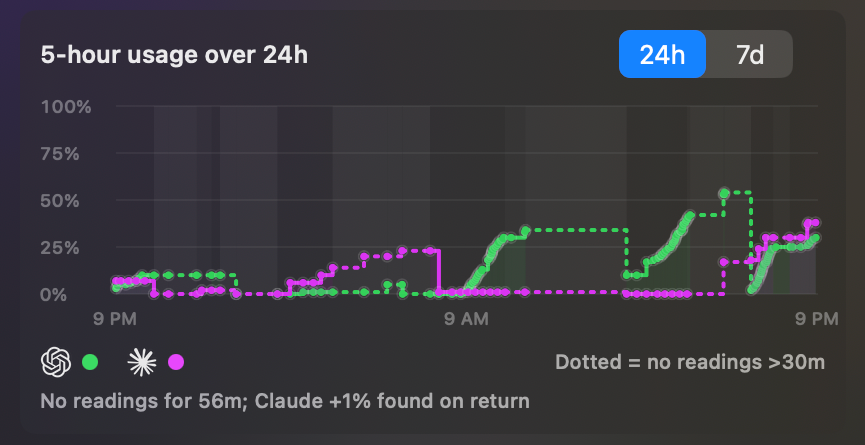
One click drops down a popover with everything worth knowing about the current period. Used percentage, available percentage, a progress bar, and a small marker showing how far through the reset period you are. If the bar's ahead of the marker, you're using that provider faster than the period's pace.
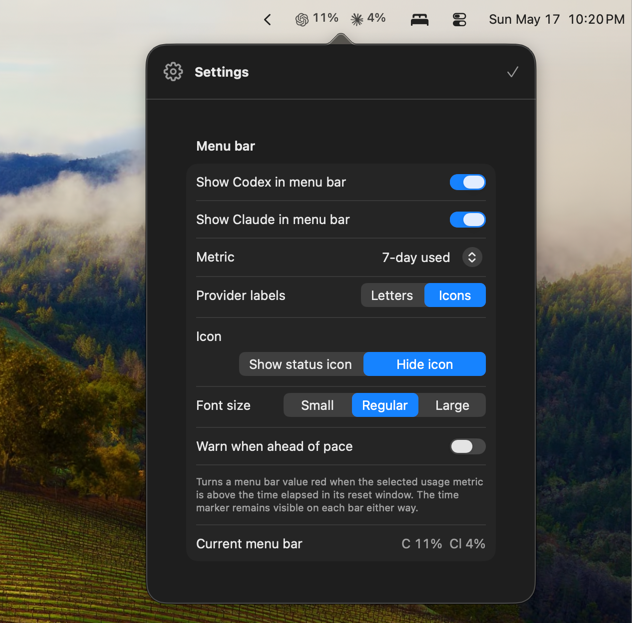
Toggle Codex or Claude independently. Pick which percentage shows in the bar — 5-hour used, 5-hour available, weekly used, or weekly available. Switch provider labels between letters (C / Cl) and icons. Three font sizes for crowded menu bars.
Requires macOS 14 or later. Apple Silicon and Intel Macs supported. Signed and notarized with an Apple Developer ID.
The source lives on GitHub. Read it, fork it, file an issue when something breaks, or open a pull request when you want the next version to do something it doesn't yet. The contributing guide covers setup, scope, and how PRs land.
It's the tiny readout you keep glancing at — not another dashboard to open.
No. Codex data is read locally from ~/.codex — the same folder the Codex CLI writes to on your machine. There's no OpenAI API call involved and no billing implication.
With your permission, Model Meter signs in to Claude through a small in-app web view and stores the resulting session in macOS Keychain. It then calls Claude's authenticated usage endpoint — the same one the Claude website uses to show you your own usage. If Claude ever changes that behavior, the integration may need to be refreshed.
No. Model Meter reads usage of your Claude.ai plan, not API consumption. The two are billed separately by Anthropic and the API has its own console.
Model Meter reads files in ~/.codex and uses a WebKit window for Claude sign-in. Both are at odds with the App Store sandbox in ways that would gut the app. So it's distributed directly, signed and notarized by Apple, with Sparkle handling updates.
No. The Codex data lives on the machine where you run Codex, which is a Mac. An iPhone version wouldn't have anything to read.
Not affiliated with OpenAI, Anthropic, Claude, ChatGPT, Codex, or Apple. Codex, Claude, and their respective marks belong to their owners. · Privacy · Feedback